
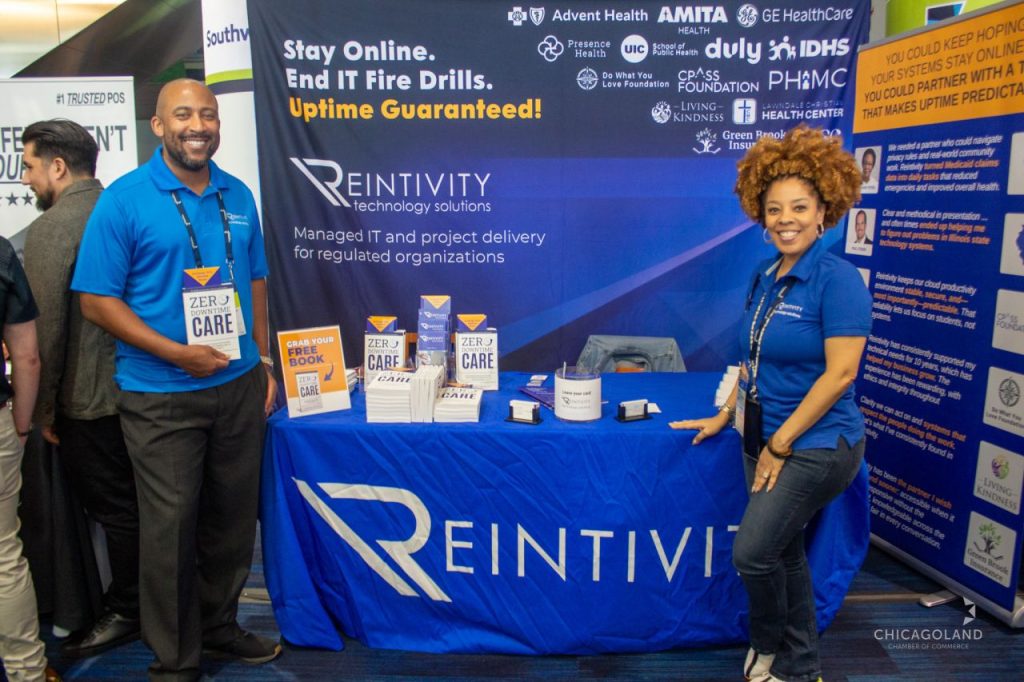
At The Exchange 2026 hosted by the Chicagoland Chamber of Commerce, I heard a version of the same concern again and again.
Leaders were not asking for more apps. They were not asking for a bigger stack. They were not asking for technology for technology’s sake.
They wanted fewer surprises.
They wanted support issues to stop turning into fire drills. They wanted less time lost to manual work. They wanted a better handle on security. And they wanted to understand where AI actually fits without creating more risk or confusion.
That is a healthy instinct.
For most organizations, especially lean teams and regulated teams, the goal is not to keep adding tools. The goal is to make operations more steady, more usable, and easier to trust.
Stable and predictable IT may not sound exciting, but it is what gives your team room to do good work.
Why so many teams still feel stuck
A lot of tech frustration gets blamed on outdated systems or limited budgets. Those are real issues. But they are usually not the whole story.
In many cases, the deeper problem is operational drift.
Over time, teams accumulate one more platform, one more workaround, one more inbox, one more approval step, one more process that nobody fully owns. The stack grows, but clarity does not. Support slows down. Small issues hang around too long. Manual work becomes normal. Security becomes something people talk about separately instead of something built into daily operations.
Then a new priority shows up. Maybe it is AI. Maybe it is automation. Maybe it is growth. Maybe it is compliance pressure.
Now the team is trying to move faster on top of a shaky foundation.
That is when leaders start saying things like:
“Why does this still take so long?”
“Why do we keep seeing the same issue?”
“Why does every improvement feel harder than it should?”
Those are usually not tool questions. They are operating model questions.
What stable and predictable IT actually looks like
When technology is working the way it should, the environment feels calmer.
Not perfect. Not silent. Just calmer.
Here is what that usually looks like in practice.
1. Support is measurable
If support feels random, the business feels random too.
Stable teams know what is coming in, what is repeating, what is aging, and what needs escalation. They can tell the difference between a true exception and a recurring pattern. They are not just closing tickets. They are reducing the reasons tickets happen in the first place.
A good question to ask is:
Do we know which issues are costing us the most time every month?
If the answer is no, start there.
2. Workflows are simpler than they used to be
Manual work has a way of hiding in plain sight.
A report gets rebuilt every week. Data gets copied from one system to another. A team member becomes the workaround. People memorize steps that should have been fixed six months ago.
When leaders talk about productivity, this is often the real issue. Not effort. Friction.
Stable IT reduces unnecessary steps. It makes routine work easier to complete, easier to train, and easier to support. It removes dependency on heroics.
A helpful question here is:
What repeat task wastes time every single week, and why are we still tolerating it?
3. Security is part of the operating rhythm
Security should not live in a separate conversation from operations.
If access is messy, if email risk is unmanaged, if approvals are inconsistent, or if users are unclear on basic expectations, the organization is carrying avoidable risk whether leadership sees it or not.
This matters even more when teams are experimenting with AI tools. You cannot safely move fast with new tools if your access controls, data handling practices, and user habits are loose.
Good security practices are usually not dramatic. They are consistent.
They show up in how access is granted, how changes are approved, how people handle email, how systems are reviewed, and how issues are documented.
A useful question to ask is:
Are our daily habits making the environment safer, or just more familiar?
4. Ownership is visible
One of the fastest ways to create confusion is to let a system, workflow, or recurring issue belong to everyone and no one.
Stable environments have clear owners.
Someone owns the tool.
Someone owns the workflow.
Someone owns the data.
Someone owns the next step when something breaks.
That does not mean one person does all the work. It means accountability is visible.
When ownership is unclear, problems sit. Work slows down. Frustration grows. People fill the gaps informally, which creates even more confusion later.
Ask this:
Who owns this process after launch, not just during setup?
That answer matters more than most teams realize.
5. Change does not break the business
A healthy environment can absorb change.
It can handle a new process, a new vendor, a new automation, or a new AI use case without throwing the whole team into reactive mode.
That is what leaders should want.
Not constant change for its own sake. Controlled change that the business can actually support.
Before adding another platform or pushing a broad AI initiative, ask whether the current environment can carry it. If the team is already buried in ticket churn, manual work, and unclear ownership, adding more tools will usually add more noise.
The basics still matter because the basics determine whether change becomes progress or just more disruption.
Five questions to ask before you buy another tool
Before you add one more platform to the stack, take a step back and ask:
- What specific recurring issue are we trying to fix?
- Is this really a tool problem, or is it a workflow or ownership problem?
- What manual task is costing us the most time each week?
- What risk gets harder to manage if we add another system here?
- Who will own adoption, support, and cleanup after go-live?
These questions can save a team a lot of money and a lot of frustration.
A practical example
Sometimes a team says they need AI.
What they actually need first is to reduce ticket churn, tighten email and access practices, clean up one or two broken workflows, and make sure ownership is clear.
Once that foundation is in place, AI becomes easier to evaluate and safer to use. The conversation gets more practical. The risk gets easier to manage. The results are usually better.
The same is true for automation, reporting tools, and most other tech investments.
Better decisions start with a clearer operating baseline.
The real goal
The goal is not more complexity.
The goal is fewer surprises.
That means less friction, clearer ownership, steadier support, and security habits that hold up under pressure. It means building an environment your team can rely on, not just one they have learned to work around.
In healthcare, education, nonprofit, insurance, government, and other regulated settings, this matters even more. Downtime, weak controls, and recurring support issues do not stay contained. They ripple out into service, trust, and execution.
Stable and predictable IT is not flashy.
It is what lets people do their jobs with confidence.
If your team is dealing with the same repeat issue over and over, start there. You may not need another tool. You may need a clearer plan.
If you want a simple place to start, take inventory of one recurring issue, one manual workflow, and one security habit your team should no longer be working around. That exercise alone will tell you a lot.