
When a security incident starts, most teams do not lose time because they saw nothing.
They lose time because too many people are looking at too many signals and reaching for different next steps.
That first stretch matters more than most dashboards admit. It shapes containment, communication, escalation, and confidence. If the team spends those minutes debating instead of acting, the problem gets larger before the response gets clearer.
This is where a lot of AI security conversations go off track.
Leaders often ask whether the model is accurate, how many alerts it can process, or how much analyst time it can save. Those are fair questions. But during a live incident, one question matters more:
Can the system help the team choose the first right action?
If the answer is no, the rest of the promise does not matter much in the moment.
The real breakdown is not always detection
Security teams usually have data.
They may have endpoint alerts, identity signals, email warnings, firewall logs, cloud events, and user reports. The problem is not always visibility. The problem is that the team has not turned those inputs into a shared operating picture.
That gap creates a familiar pattern:
- One person wants to isolate the device.
- One person wants to wait for more evidence.
- One person is checking whether the alert is duplicated elsewhere.
- One person is trying to explain the issue to leadership before the facts are stable.
Now the first 30 minutes become a meeting instead of a response.
Attackers benefit from that confusion. Not because they were invisible, but because the team was stuck sorting signal from noise.
What useful AI should do in an incident
AI in security should not add another layer of output for analysts to interpret.
It should reduce ambiguity.
In practical terms, that means three things.
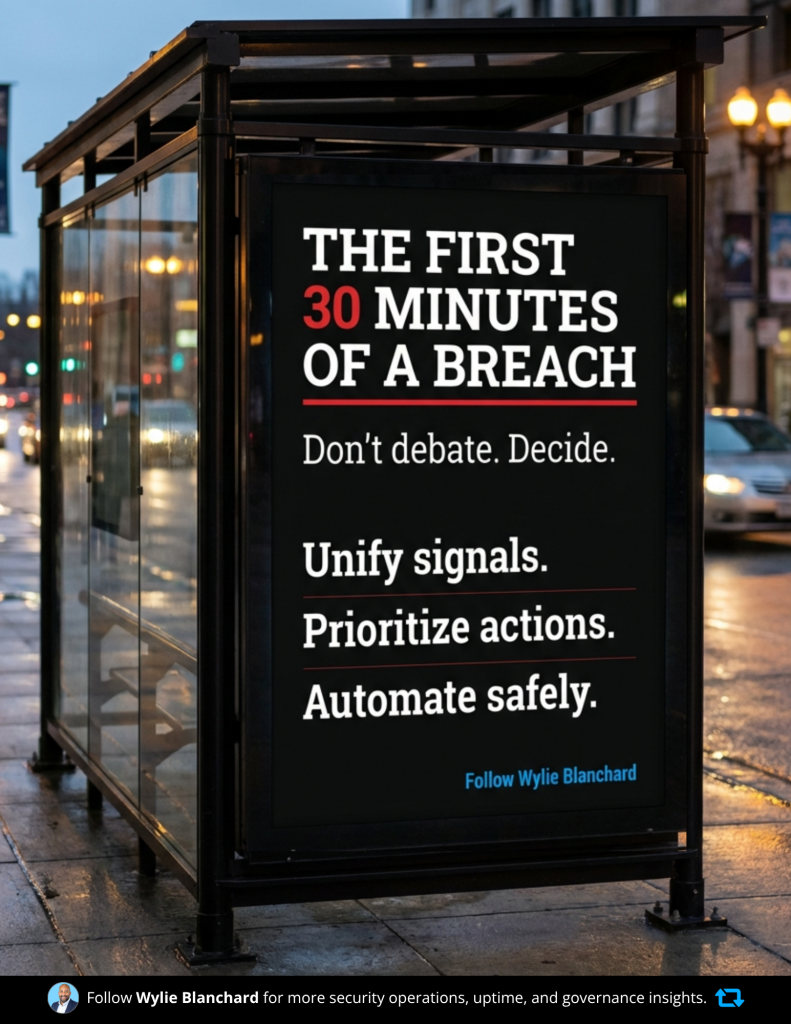
1. Pull the signals into one usable incident view
A responder should not need to jump across four tools to understand whether the same user, host, or account is involved in multiple alerts.
A useful AI layer should connect the evidence, summarize what belongs together, and show the timeline in plain language. It should help the team answer basic questions fast:
- What happened first?
- What systems or identities are involved?
- What changed?
- What looks confirmed versus assumed?
The goal is not a prettier dashboard. The goal is a shared view that helps the team move.
2. Rank the next actions, not just the alerts
Many teams are buried in medium-priority noise. That is a triage problem, not just a staffing problem.
The best support AI can provide is not another long list. It is a short list of recommended next steps with a clear reason behind each one.
For example:
- Disable the compromised session token.
- Isolate the endpoint tied to lateral movement.
- Preserve logs and notify the incident lead.
That kind of prioritization helps analysts act with discipline. It also helps managers explain the response path to executives without creating more confusion.
3. Automate the low-risk moves and gate the high-risk ones
Automation has value, but only when the team trusts the guardrails.
Low-risk steps can often be automated with confidence, such as enriching an alert, opening a case, gathering artifacts, or quarantining a clearly malicious email. Higher-risk actions, such as disabling a production identity, cutting access to a critical system, or blocking business traffic, need human approval.
The line should be clear before an incident starts.
A strong setup usually looks like this:
- Low-risk actions can run immediately
- Higher-risk actions require named approval
- Every step is logged
- Reversal steps are defined in advance
That is how teams move faster without creating a second incident during the first one.
The governance questions leaders should ask before rollout
Before approving AI for security operations, leaders should pressure-test the operating model, not just the feature list.
Start with these questions:
- What actions can the system take on its own?
- What data sources can it access and summarize?
- Which actions require human approval, and from whom?
- What is recorded for audit and after-action review?
- How do we reverse a bad action quickly?
- Who owns the workflow when the recommendation is wrong or incomplete?
- What happens when the system has low confidence?
These questions matter because incident response is not just a technical process. It is also an accountability process.
Where teams usually lose the most time
In my experience, delay usually shows up in one of three places.
Detection
The signal exists, but it is not trusted or seen quickly enough.
Triage
The team sees the issue, but cannot agree on urgency, scope, or ownership.
Proof
The team takes action, but struggles to confirm what actually happened, what was touched, and whether the issue is contained.
For many organizations, triage is the hidden bottleneck. Detection tools improve every year, but clear decision-making still lags behind.
That is why the first-action test is so useful. It cuts through marketing language and forces a practical question: when the pressure rises, does this help us decide, or does it give us one more thing to interpret?
Why this matters even more in regulated environments
In healthcare, finance, education, and other regulated settings, the first decision is rarely just about speed.
It is also about business continuity, data exposure, auditability, and downstream communication.
That changes the standard.
A response team does not just need fast recommendations. It needs recommendations that fit policy, preserve evidence, respect access boundaries, and support later review. If the AI layer cannot help within those constraints, it is not ready for a serious role in live response.
A security incident does not become dangerous only because someone missed an alert.
It becomes dangerous when the team cannot turn early signals into a clear first move.
That is the standard I would use for any AI security workflow. Before asking how advanced it is, ask whether it helps your team act with clarity in the first 30 minutes.
That answer will tell you more than any product demo.
If your team is reviewing AI for incident response, start by mapping where time is lost today: detection, triage, or proving what happened. That exercise usually reveals the real design problem.